
You look at your wallet, notice the expiry date on your Ontario driver's licence, and realise it's closer than you thought. That's usually the moment people start opening tabs, finding vague advice, and wondering whether this will be a simple online task or an annoying trip to a ServiceOntario centre.
The good news is that renewal for license in Ontario is usually straightforward when you match your situation to the right path. The confusion comes from exceptions: age-based rules, photo or identity issues, online eligibility, and what happens if the licence has already expired. I've helped friends, parents, and newcomers sort this out more than once, and the same pattern comes up every time. People don't need more generic advice. They need the current Ontario-specific route that applies to them.
Your Ontario Driver's Licence Renewal Guide for 2026
Ontario has moved a lot of routine licence administration into a more digital system, which is a real improvement for most drivers. For many adults, an Ontario driver's licence is valid for five years, and while renewal notices are mailed, the responsibility to renew on time still rests with the driver, as noted in Ontario licence renewal guidance. That one detail catches people out more often than anything else.
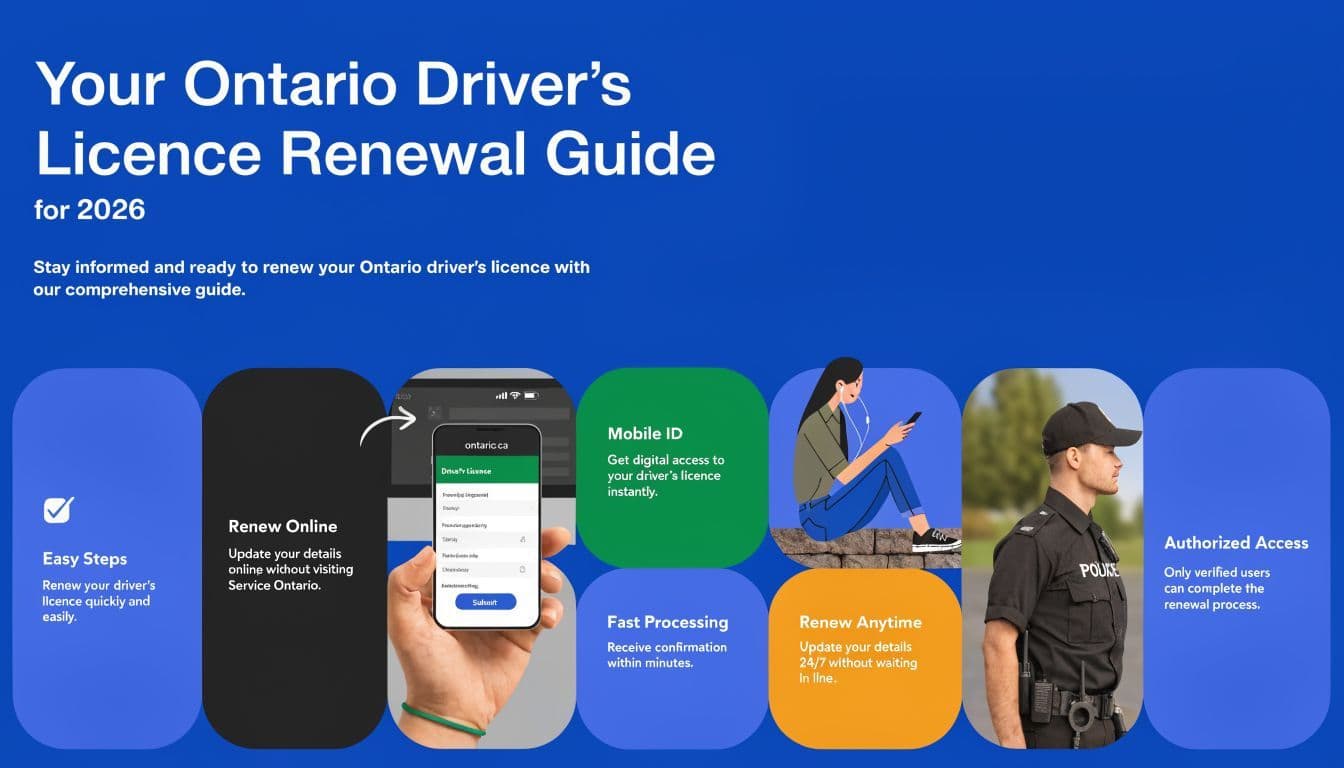
If your licence is coming up for renewal, treat it like a dated compliance task, not an errand you'll “get to later.” The province's online options have made renewal easier for many people, but only if you're eligible to use them. That's where a lot of bad advice online falls apart.
A useful place to compare Ontario driving topics in plain language is the G1ready licence guides collection. It helps if you're trying to separate G1, G2, full licence, and renewal issues without mixing them together.
Practical rule: check your expiry date first, then decide your renewal path. Don't decide the path first and assume you'll qualify.
What You Need Before You Renew Your Licence
Preparation matters more than people expect. Most renewal problems aren't hard problems. They're missing-information problems, identity-update problems, or “I thought I could do this online” problems.
Start with your basic renewal status
Before opening the online portal or heading to a counter, figure out which category you're in.
- Standard full-licence renewal: This is the simplest case. If you hold a full licence in the usual eligible classes and nothing in your file triggers extra review, your renewal may be routine.
- Renewal with extra requirements: Some drivers need additional screening, updated identity information, or an in-person step before the licence can be renewed.
- Expired or blocked renewal: If the licence has lapsed or an administrative issue sits on your file, the process usually stops being quick.
Ontario's current approach separates people who can move through a digital-first process from those who need in-person handling. That's the distinction to get right early.
What to gather before you begin
Many applicants find that the smartest approach is to prepare as though either route might be required. That saves time if the online attempt fails and you have to pivot.
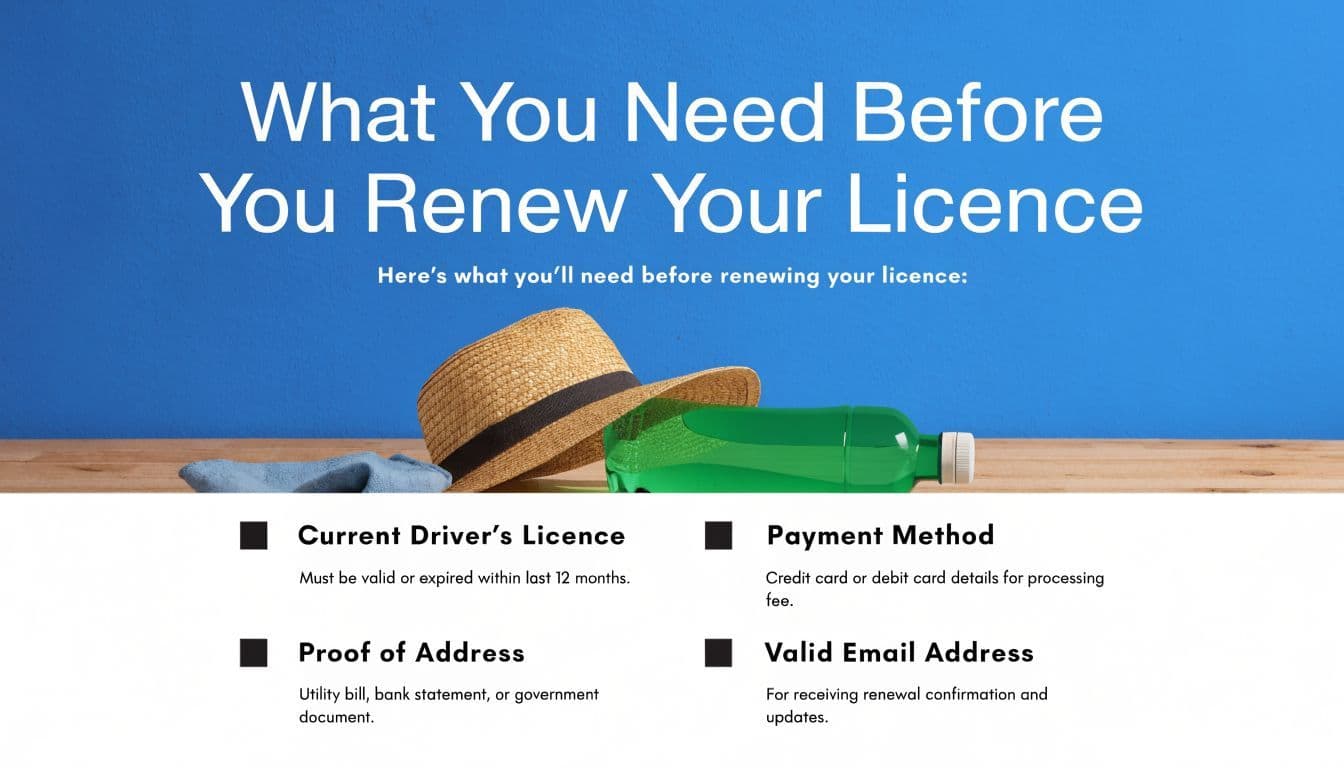
Bring together these basics:
- Your current driver's licence: You'll need the card details either way.
- A payment method: If you're completing the transaction online or at a counter, be ready to pay without scrambling for information.
- Your current address details: If anything has changed, sort that out before or during renewal rather than assuming the old record is still fine.
- Any identity support documents if your details have changed: Name changes, identity mismatches, or records that don't line up can push you into an in-person process.
- Your email and access to your phone or computer: This matters for online completion, confirmations, and follow-up.
If you're still learning what Ontario usually asks for in early-stage licensing and identity checks, the document guide for the Ontario G1 test is also helpful background because the same habit applies here. Bring more proof than you think you'll need when your identity details have changed.
When extra checks may apply
Many generic articles get sloppy right here. They imply every renewal is just a payment. It isn't.
For some Ontario drivers, renewal can involve more than administrative processing. Depending on your age, licence class, or file status, you may run into things like a photo update, identity verification, vision screening, or medical review. Not everyone needs these. But once one of them applies, the “simple online renewal” assumption usually stops being reliable.
If your online attempt fails, don't keep retrying for an hour. That usually means the system wants an in-person step, not a better browser refresh.
A practical approach to consider:
Situation What usually helps Nothing has changed and your file is straightforward Try the online route first You need an updated photo or identity confirmation Plan for in-person service You're older or have special renewal conditions Check the required screenings before doing anything else Your licence is already expired Confirm whether it's still a renewal or has become a more involved reinstatement issue
People often waste the most time by preparing for the wrong version of the process. The right fix isn't more patience. It's identifying the correct lane before you start.
The Renewal Process Online vs In-Person
Ontario has leaned further into a digital-first model, but the biggest practical issue is still eligibility. Many drivers can renew online, while others need a counter visit because of identity, photo, screening, or other file-specific issues. That digital-versus-in-person split is the part many guides gloss over, even though it matters most for seniors, newcomers, and anyone with updates on their record, as noted in this discussion of the province's digital-first renewal shift and in-person exceptions.

Renewing online
When online renewal works, it's usually the fastest path. It suits drivers with a full licence in the standard eligible classes and no issue on file that requires a person to review identity, health, or testing requirements.
A practical sequence looks like this:
- Check that your licence is eligible for online renewal.
- Have your card and personal details ready. You don't want to start the session and then dig around for information.
- Complete the portal steps carefully. Small entry mistakes can produce error messages that look more serious than they are.
- Review every detail before submitting. Address and personal data errors create annoying follow-up problems.
- Save the confirmation. Don't assume you'll remember the transaction details later.
Common online failure points are usually predictable:
- The system won't let you proceed: This often means you need an in-person step, not that the website is broken.
- Your identity details don't match: Even a record mismatch can stop an online renewal.
- You need a new photo or added review: Once the file requires that, the online path may no longer be available.
- There's an administrative block: These situations usually need direct resolution rather than another attempt.
Online renewal works best when the province can verify everything without asking you for anything new.
Renewing in person
An in-person visit makes sense when the online route isn't available or when you already know your file is not routine. That includes people who need extra screening, updated identity handling, or help with a failed online attempt.
The smoother way to approach a ServiceOntario visit is not to “show up and ask.” Go in with your file ready.
Bring:
- Your current licence
- Supporting ID if anything on your record has changed
- Any paperwork connected to a requested review
- A payment method
- Patience for the fact that in-person renewals often involve verification, not just payment
At the counter, staff can usually tell you quickly whether this is still a simple renewal or whether another step has to happen first. That's one reason in-person service can save time in more complicated cases. It gives you a decision immediately instead of a vague online rejection.
Which option usually works better
The answer depends less on convenience and more on whether your file is clean and current.
Renewal method Best for Less suitable for Online Straightforward renewals with no added checks Photo updates, identity issues, screening requirements In person Complex renewals, failed online attempts, record changes People expecting a quick click-through transaction
One more practical point. If you're helping a new driver or someone who's brushing up on Ontario rules while dealing with licence status questions, G1ready.ca is one option for studying current road-sign and rules content through practice tests and guides. That's useful when renewal questions overlap with knowledge-test preparation in the same household.
Special Renewal Rules for Drivers 80 and Over
This is the part families often worry about most, usually because they've heard half the process from one person and the other half from someone else. Ontario's rule is specific. Drivers aged 80 and over renew every two years, and the process includes a group education session, a vision screening, and a road knowledge test, according to Ontario's 80+ renewal requirements.

That means this is not the same process as a standard adult online renewal. It is a structured review process with required steps.
What happens at renewal
The most reassuring thing to know is that this process is organised. It isn't random, and it isn't meant to catch people off guard.
Expect these components:
- Group education session: This reviews important driving information in a guided setting.
- Vision screening: Drivers must complete this as part of renewal.
- Road knowledge test: This checks understanding of rules of the road and signs.
If the driver doesn't pass the knowledge test, the province requires them to take another Group Education Session before a second attempt is permitted in that same source. That detail matters because families often assume they can book another test right away.
Go in expecting a process, not a one-step appointment. People handle it better when they know there are multiple parts.
How to make the appointment easier
The best preparation is calm preparation.
A few practical habits help:
- Review signs and road rules in advance: Not cramming. Just steady review.
- Bring glasses or vision supports normally used for driving: Don't leave this to chance.
- Arrive with enough time and less pressure: Rushed seniors tend to feel the process is harder than it is.
- Treat the session as guidance, not punishment: That mindset change helps a lot.
I've found that older drivers do better when relatives explain the day in plain language before the appointment. “You'll do the session, your vision check, and the knowledge portion” is much better than “They're going to test you.”
What to Do If Your Licence Has Already Expired
People panic when they realise the date has passed. The better response is to stop guessing and act quickly.
Ontario's own review of licensing gaps found 6,135 drivers renewed after 1 to 30 days, 4,688 renewed after 31 to 365 days, and 1,973 renewed after more than 365 days, with post-renewal crash odds statistically identical across those groups, according to the province's reported findings in this evaluation of gaps in licensure and later traffic safety outcomes.
Why timing still matters even without higher post-renewal crash odds
That finding is useful because it pushes back on a common myth. A lapse doesn't automatically mean the driver becomes more dangerous right after renewal.
Administrative complexity presents the true challenge in these situations. The longer a licence sits expired, the more likely the process shifts from a simple renewal to a more involved reinstatement issue. That is why expired licences still deserve urgent attention, even when the subsequent crash findings do not indicate a higher risk pattern.
An expired licence is mainly an administrative problem at first. If you ignore it, it becomes a bigger administrative problem.
A practical way to handle an expired licence
Use a simple decision approach.
- If it expired recently: Try to confirm whether you can still complete the renewal through the standard route.
- If more time has passed: Expect more checks, more proof, or an in-person requirement.
- If you're unsure what category you fall into: Ask before driving, not after. That's the safest and cheapest mistake to avoid.
If you're sorting out a lapsed licence and related Ontario licensing questions, the G1ready Ontario licence FAQ is a useful plain-language reference point.
Ontario Licence Renewal Checklist and Final Tips
Quick checklist
Use this before you start:
- Check the expiry date on the card: Don't rely on memory or on the mailed notice.
- Confirm whether you're likely eligible for online renewal: If not, plan for ServiceOntario from the beginning.
- Gather your licence, payment method, and any updated identity details: This avoids a restart.
- Watch for anything that triggers screening or review: Especially for age-based or record-based exceptions.
- Save proof of completion: Keep confirmations until the new card arrives.
Troubleshooting tips
The online system won't let you continue.
That usually means your file needs in-person handling.
Your address or details have changed.
Sort out the mismatch directly instead of hoping the renewal will override it automatically.
You're helping a parent or grandparent renew.
Write down the steps in order before the appointment. It reduces stress and missed documents.
If you're also studying Ontario road signs and rules, or helping a new driver in the same household, G1ready.ca offers practice tests and study tools that line up with Ontario licence learning needs in a straightforward format.


