
To pass Ontario's G1 knowledge test, you need at least 16 out of 20 in road signs and 16 out of 20 in rules of the road, so the benchmark is 80% in each section, not one combined score. For most Ontario learners, G1ready.ca is the strongest overall option for a structured free study routine because it combines registration-free practice, targeted quizzes, diagnostics, realistic simulation, explanations, and progress tracking, but the right pick still depends on the study job you need done next.
Searching for a driving license practice test free option often means you're in the same spot. You've taken a few random quizzes, maybe passed some, failed others, and still don't know whether the problem is sign recognition, handbook recall, test stamina, or nerves.
That's why feature lists alone don't help much. A free test only matters if its Ontario coverage is accurate, its explanations teach, its exam mode feels close enough to test day, and its access limits don't interrupt your routine after two or three sessions.
I compared these tools by the study job they handle best: targeted remediation, realistic simulation, language accessibility, quick refreshers, structured courses, and progress tracking. I also looked at handbook alignment, question variety, mobile usability, signup friction, and how aggressively premium gates interrupt free use.
Ontario learners also need to keep one thing straight. These are private study resources, not official government testing services. The official Ontario Driver's Handbook remains the primary study source for the G1, and every practice platform works best when you use it to reinforce handbook study rather than replace it.
1. G1ready.ca
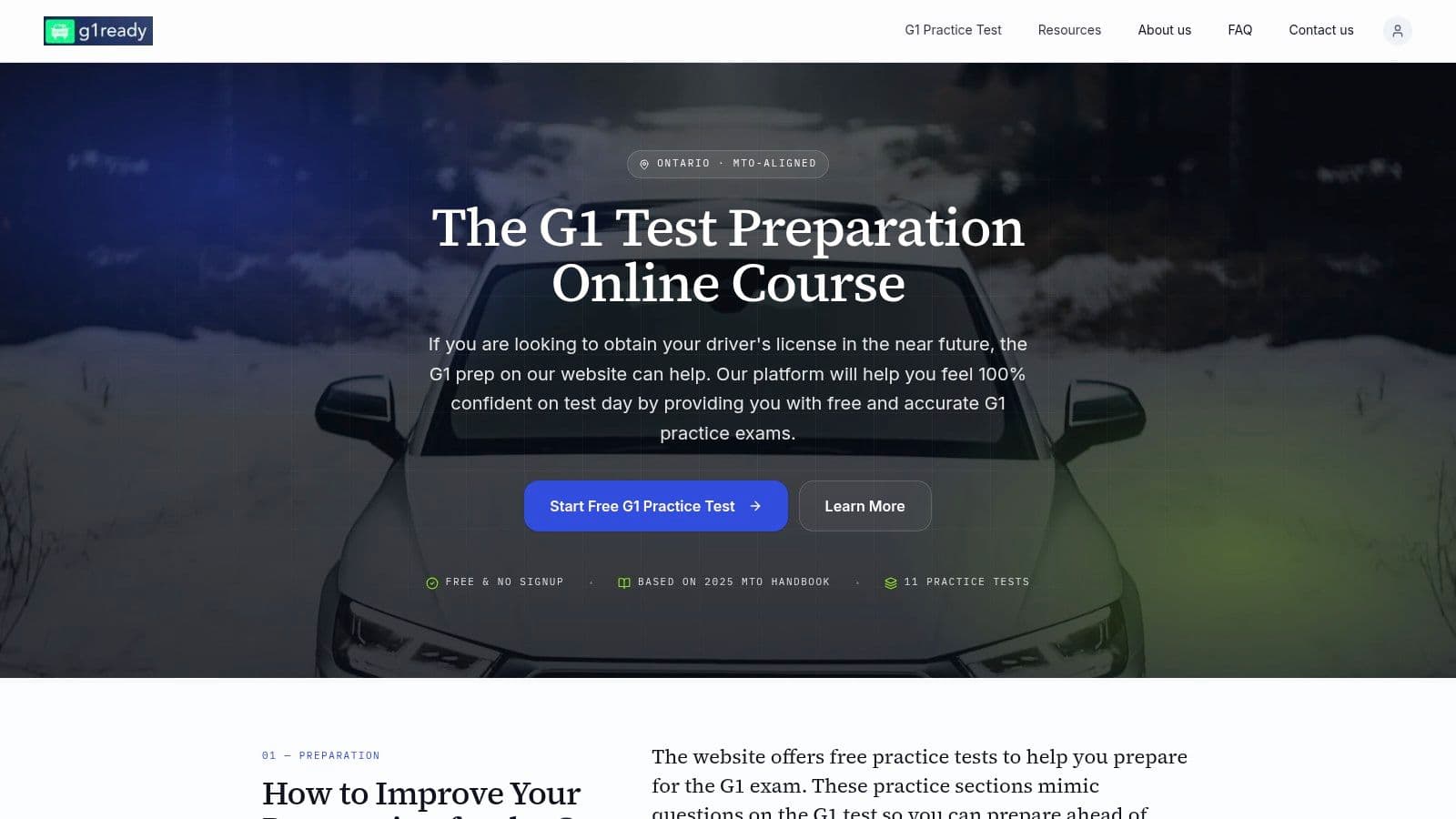
You finish a few free quizzes, score well on one set, then miss a cluster of road sign questions on the next. At that point, the problem is not access to more questions. It is knowing which study job needs doing next.
G1ready.ca is useful because it supports that full cycle in one place. A learner can start with a diagnostic, switch into signs or rules practice, return to mixed sets, and then use simulator-style sessions to test stamina and accuracy together. That sequence fits the Ontario G1 better than random quiz hopping, especially since the exam has separate passing requirements for signs and rules. A practical explanation of that split appears in this Ontario G1 scoring breakdown.
Best for a central Ontario study routine
In day-to-day use, its strongest role is structured remediation. Free access without registration removes the usual first hurdle, but the more important point is what happens after a wrong answer. Immediate feedback, hints, and short explanations make it easier to correct a mistake while the question is still fresh.
That changes how a study session feels. Learners who keep missing the same sign family can stay inside that topic instead of jumping into another generic 20-question set and hoping repetition fixes it.
The simulator matters later, not first.
Use the platform in stages. Start with diagnostics to find weak spots. Move to targeted quizzes to clean up those weak spots. Save full simulation for the point where recall is reasonably stable and you need to test pacing, concentration, and category balance.
It also handles different session lengths well. A learner with ten minutes can do signs-only review on a phone. A learner with more time can run mixed practice or a longer simulator block that feels closer to test conditions.
Where it fits, and what it does not replace
This resource fits first-time Ontario learners who want one main routine rather than five disconnected tools. It also works well for parents helping teens study, and for newcomers who want a low-friction place to practice before sorting through several sites.
The trade-off is straightforward. It is a private prep platform, not an official testing service, and it should still sit alongside handbook reading rather than replace it. Some added features sit past the free layer, and the free-versus-paid split is not explained as clearly up front as it could be.
- Best study job: Targeted remediation, realistic simulation, and keeping one routine in one place
- Works well for: Learners who want diagnostics, category practice, and progress structure without signup friction at the start
- Less useful for: Anyone looking for an official source or a fully transparent breakdown of every premium boundary before using the site
For Ontario learners who want one main hub, this is the strongest candidate to anchor the routine: G1ready.ca.
2. Tests.ca
Tests.ca is a mature option for learners who value a familiar interface and a large Ontario section. It's especially useful when you want straightforward handbook-based drilling without learning a new system.
The free tests are easy to start, and the platform gives you a clear sense of whether you're tracking toward pass level. If you're comparing it with G1ready's free Ontario practice tests, the key difference is study depth. Tests.ca is solid for repeated question exposure, while G1ready does more to organise the full routine.
Best for accessible drilling
One practical advantage here is interface accessibility. Voice-over options can help learners who read more slowly, and the configurable display works reasonably well for repeated practice sessions.
That said, the free version can feel busier than some newer tools. Ads compete for attention, and some stronger review mechanics sit behind paid features such as the Challenge Bank. If your main need is “show me lots of Ontario-style questions and let me keep moving,” it works well. If your need is “help me understand why this exact topic keeps breaking down,” the free tier is less complete.
- Good fit: Learners who want broad, repeatable Ontario drilling.
- Less ideal: Learners who want built-in remediation without paid upgrades.
- Best study use: Early and mid-stage repetition after handbook reading.
You can use Tests.ca effectively, but it works best when you already know how to direct your own study instead of expecting the platform to diagnose your next step. Visit Tests.ca Ontario G1 practice.
3. G1.ca
G1.ca keeps things simple. It's quick to load, easy to understand, and shaped around exam-style practice rather than a course flow. For learners who get overwhelmed by too many options, that simplicity can be a real advantage.
The site also does a decent job setting expectations about the format of the test. If you want a second explainer after reading this guide to free G1 test options in Ontario, G1.ca helps reinforce the distinction between rules and signs without much friction.
Best for clean mock-test repetition
This is the kind of site many learners use in the middle of prep. They've already read the handbook enough to recognise the topics, and now they want repeated exam-style exposure with instant feedback.
That works. The mock-test feel is clear, and the no-signup access lowers resistance. The trade-off is that more advanced training support sits elsewhere in the broader network, so if you want a tightly integrated free system for diagnosis, review, and long-term tracking, you'll likely outgrow it.
If your issue is confidence, exam-style repetition helps. If your issue is misunderstanding, repetition alone won't fix it.
Use G1.ca for quick Ontario-specific practice when you don't want distractions and don't need a full study framework. The direct site is G1.ca.
4. APNATORONTO
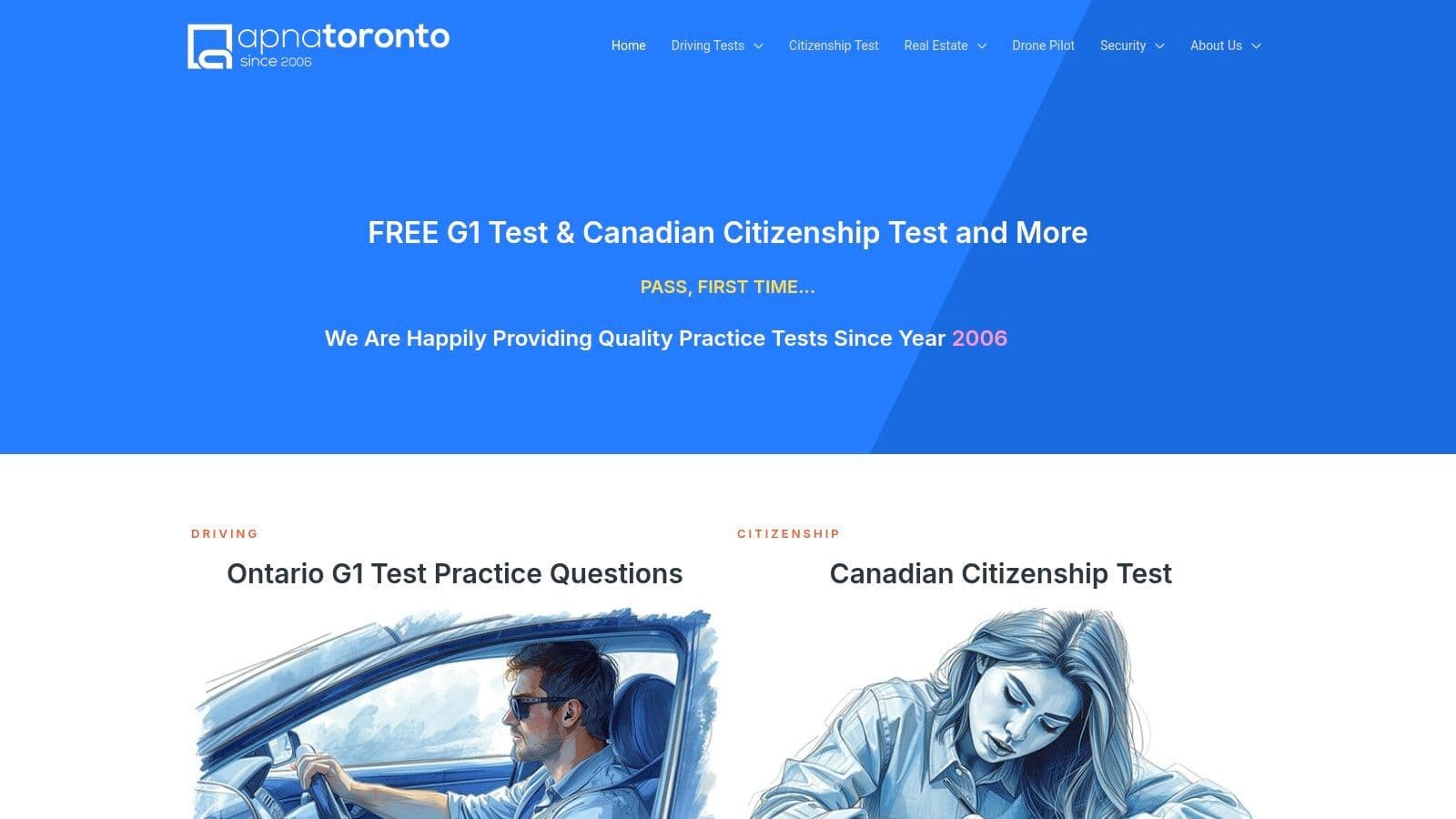
You missed three right-of-way questions yesterday, then two parking questions today. At that point, another full mixed quiz usually wastes time. APNATORONTO is more useful for that study job because it lets you stay inside one weak area and drill it until the pattern starts to stick.
That makes it a remediation tool first. I would use it after a mock test has already exposed a gap, not as the main place to measure readiness. If a learner can say, with some precision, "sign shapes are fine, parking distances are not," this site fits.
APNATORONTO also helps learners who need language support or want printable material beside screen-based practice. That flexibility matters in real sessions. Some people remember a rule better after switching formats, especially when pure multiple-choice repetition stops working.
The trade-off is clear. The site feels older, and the flow between sections is less efficient than newer platforms. You can still get good value from it, but you need patience.
A practical way to use it:
- Run a mixed test elsewhere to find the mistake pattern.
- Come to APNATORONTO for 15 to 20 minutes of single-topic repair.
- Return to a more exam-like Ontario simulator to check whether the mistake is fixed.
Used that way, it fills a specific gap in a study routine. It does not replace realistic simulation, and it does not give the kind of central progress tracking that makes a platform like G1ready.ca easier to use as your main Ontario G1 routine. For focused topic practice, the site is APNATORONTO.
5. DrivingTest.ca
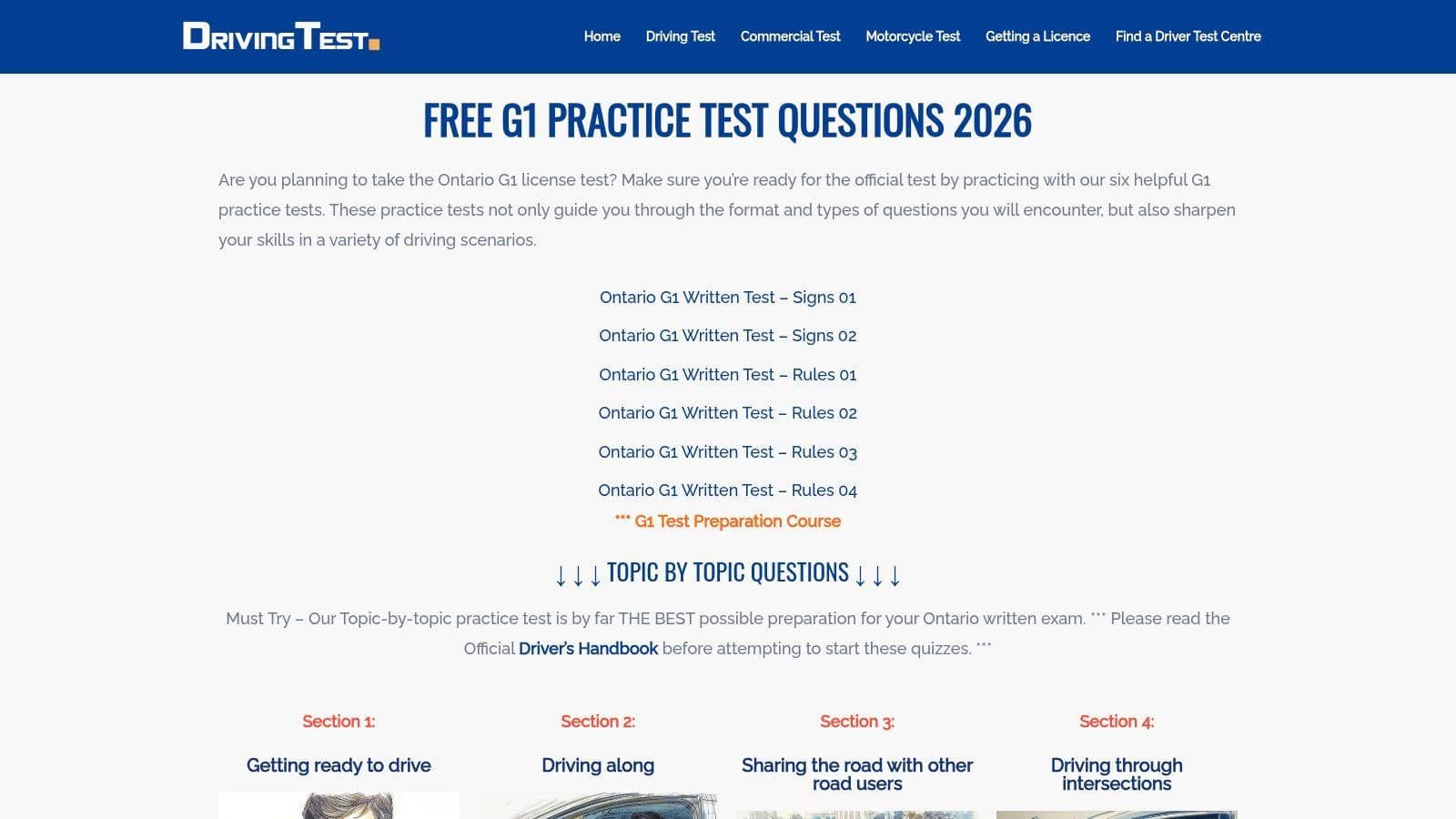
DrivingTest.ca works best for short sessions. It doesn't try to be a course platform, and that's fine. Its strength is that you can open it, answer Ontario-specific questions, get immediate validation, and move on.
That makes it a good refresher tool close to test day, especially on mobile. The simple separation between rules and signs is useful when you want a quick reset rather than a long review block.
Best for quick mobile refreshers
This is one of the more practical options for five-minute study windows. If you're on transit, waiting after school, or squeezing in a few questions before bed, the minimal interface helps.
The trade-off is depth. You won't get much in the way of personalised tracking, diagnostics, or study planning. It's a useful supplement, not a central routine.
Short refreshers work best after you already know the material. They don't replace structured learning.
Learners often overuse tools like this too early. If you still can't explain why an answer is right, go back to the handbook or a platform with stronger explanations. For clean browser-based practice, use DrivingTest.ca Ontario G1 practice.
6. DriveTestCanada.com
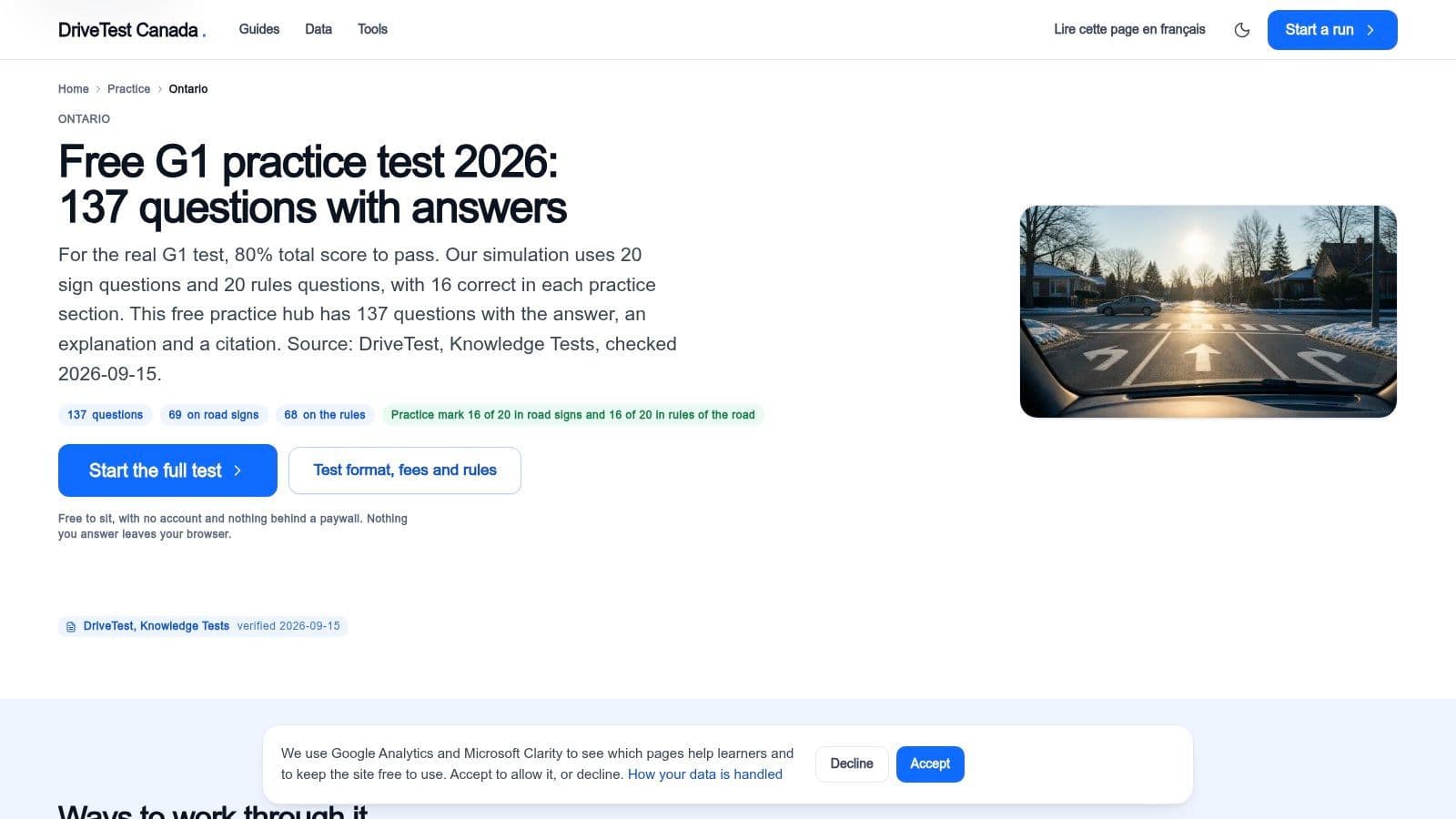
You sit down to study for 20 minutes, know that right-of-way keeps tripping you up, and do not want a random mixed quiz. DriveTestCanada.com fits that session well.
Its value is targeted remediation. The Ontario practice area is split into clear topic groups, including road signs, right of way, speed and following distance, and licensing topics. That makes it easier to isolate one weak spot, drill it, and come back a day later to check whether the mistake pattern is gone.
I find this type of site useful when a learner says, "I keep missing the same kind of question." Random tests can hide that problem. A topic menu exposes it.
The trade-off shows up after a week or two of regular use. You can work through the categories in an orderly way, but the site does not give much help with long-term progress tracking or saved history. Learners who need a central routine usually do better with a platform that records patterns over time, then use DriveTestCanada.com as the repair tool for weak categories.
A practical way to use it:
- Pick one topic before each session.
- Do a short set until the errors feel predictable.
- Check the handbook for rules you still cannot explain.
- Return later with a mixed test somewhere else to see if the topic holds under pressure.
That last step matters. Topic drilling improves accuracy on a narrow job. It does not fully replace realistic simulation.
For organised category practice, start with DriveTestCanada.com Ontario practice.
7. CanadaDrivingTests.ca
You have ten spare minutes, do not want to sign up for anything, and need a quick pass through signs or rules before stopping for the day. CanadaDrivingTests.ca suits that kind of session.
Its main job is quick refreshers. The site gets you into Ontario practice with very little setup, which matters for learners who study in short bursts and lose momentum when a tool asks for accounts, saved plans, or extra clicks.
It also has a practical side for households dealing with more than one licence path. If one learner is in Ontario and another is studying elsewhere in Canada, the province selector keeps the basic experience familiar. That convenience is useful, but it should not be confused with a full study system.
What it does well is simple repetition. Open a set, answer questions, check what you missed, and move on. That makes it a decent middle layer after handbook reading and before a more exam-like session on a platform built for Ontario-specific routine and tracking, such as G1ready.ca.
The limitation is depth. Explanations and progress history are light, so it is harder to spot whether you have a persistent weakness or just had one off session. Learners who need targeted repair, score tracking, or longer simulation blocks will usually outgrow it.
Use CanadaDrivingTests.ca Ontario when the study job is fast recall practice, not full preparation management.
8. G1Prep.com
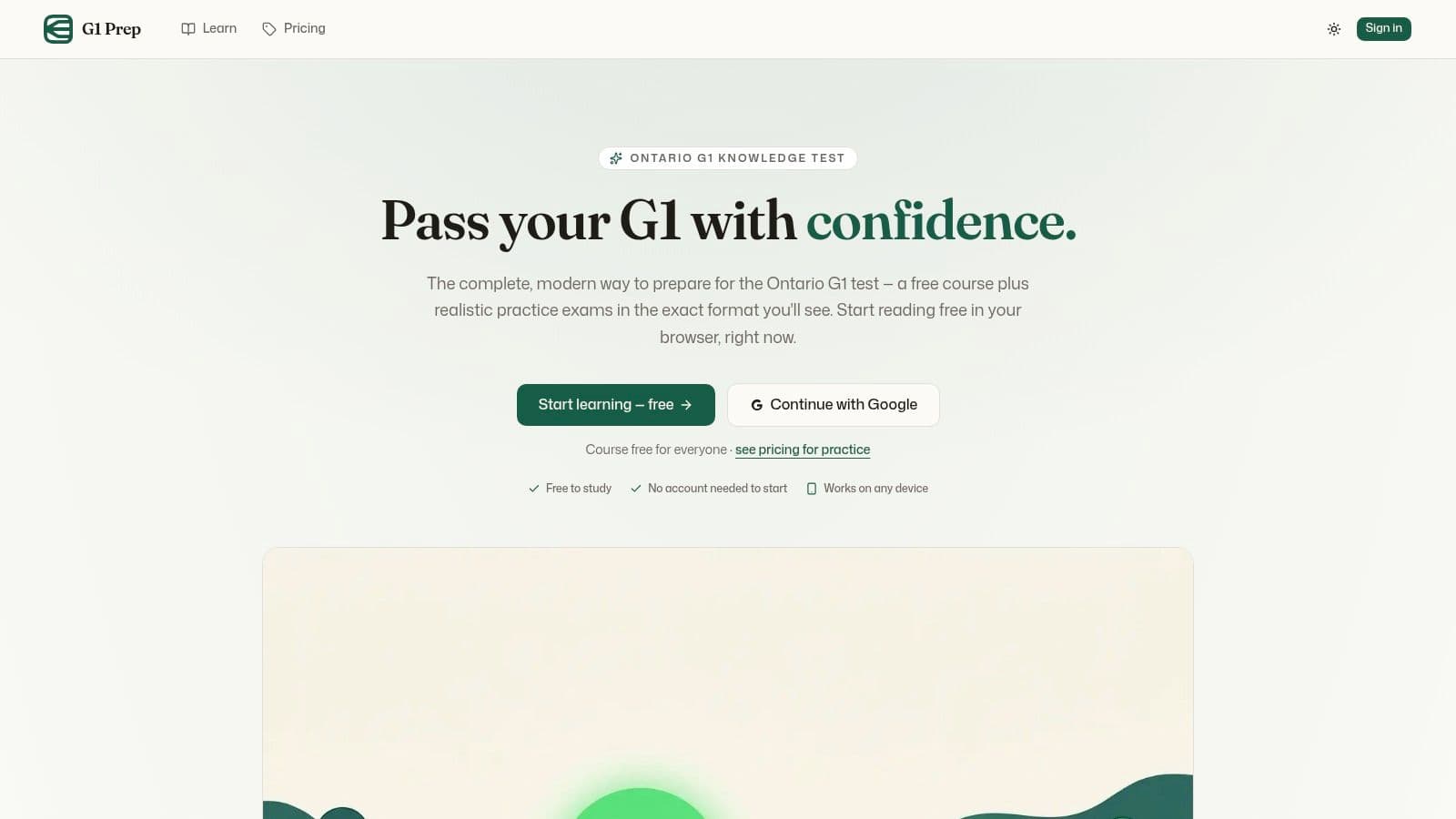
G1Prep.com is aimed at learners who don't want to jump straight into quizzes. Instead of treating practice as the entire product, it combines course-style teaching with exam-style review.
That approach helps first-time learners who freeze when they see a question before they feel grounded in the material. If handbook reading alone feels dry or hard to retain, a guided flow can make early prep more manageable.
Best for course-style learners
The main value here is structure. You're not only testing recall. You're moving through explanations and practice in a more sequential way, which suits learners who need context before repetition becomes useful.
The AI helper angle may appeal to some users, but I'd treat that as a secondary feature, not the main reason to choose the site. The more important question is whether you prefer a lesson path over a drill-first approach.
A course-style tool helps when blank-page anxiety is the problem. It's less important once you're already scoring well and just need repetition.
The trade-off is footprint. It doesn't have the same long-running familiarity as some Ontario incumbents, and some deeper resources may sit behind paid access. Still, for guided prep, G1Prep.com is worth considering.
9. TestLane.ca
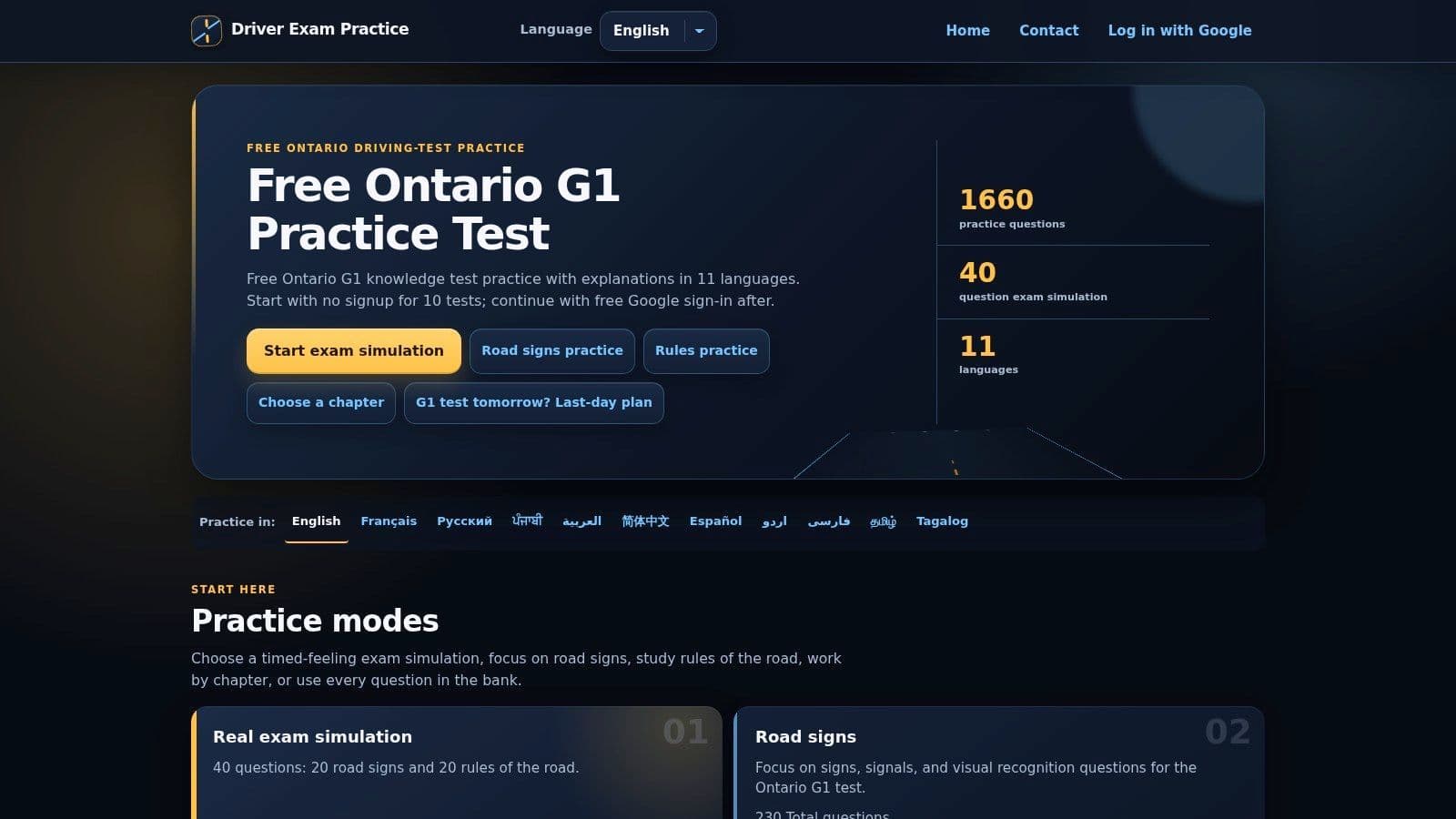
A common Ontario study problem looks like this. The learner knows some of the material, misses questions because of wording, then wastes time guessing whether the issue is language, recall, or test pressure.
TestLane.ca is useful for that specific job. It supports multiple languages and lets learners switch between chapter drills, signs, rules, mixed sets, and timed practice. That makes it easier to isolate weakness instead of treating every wrong answer as the same kind of mistake.
I would place it in the language accessibility slot first, not the full-routine slot. If a household is studying across two languages, or a learner understands the handbook better in one language but wants to test in another, TestLane.ca can reduce friction early. It also works well for short sessions. Ten minutes on signs-only or a quick timed set is enough to check whether recognition is holding up.
The trade-off is access. You can start freely, but longer use pushes you toward Google sign-in. Some learners will not care. Others lose momentum the moment a practice tool asks for an account.
Used well, TestLane.ca works as a support resource:
- use chapter mode to clear up one weak topic
- use signs-only for fast refreshers
- use timed sets to check whether understanding still holds under pressure
It does not replace a stable Ontario-first routine with consistent progress tracking. For that, a learner usually needs one central platform and then a few side tools for specific gaps. If language flexibility is the gap, TestLane.ca earns a place in the mix.
10. G1Licence.ca
G1Licence.ca is most useful as a bridge tool. It gives learners topic-based practice plus a demo simulator, which helps when you're past basic studying and want to feel more of a test-day rhythm.
That bridge matters because many learners sit in an awkward middle stage. They're not complete beginners anymore, but they're also not ready to rely on full simulation alone. For that stage, a demo simulator can be enough to show whether pacing and mixed-question switching are still shaky.
Best for stepping from drills into simulation
Ontario learners often underestimate the cost of getting that readiness call wrong. One independent Ontario explainer notes that the current G1 knowledge test retest fee is $23.75 and also points out that official provincial first-attempt pass-rate data isn't publicly released. That's why a simulator, even a partial one, has practical value.
G1Licence.ca gives you that next-step practice, but the free layer is only part of the experience. Some fuller simulators and deeper banks are gated, so you shouldn't expect the entire system to stay open without limits. If you want another Ontario-specific reference point while comparing options, this free Ontario G1 practice guide covers what to look for in a stronger all-around routine.
Use G1Licence.ca Ontario G1 practice when you want a simple simulator bridge and don't mind premium gates around the deeper layers.
Top 10 Free G1 Practice Sites Comparison
Platform Core features UX & Quality Value / Price Target audience Unique selling points G1ready.ca 🏆 Free MTO‑aligned practice tests, realistic G1 simulator, diagnostics, 100/200 marathons ★★★★★, realistic questions, mobile ergonomic 💰 Free core; premium deeper review (pricing undisclosed) 👥 First‑time drivers, newcomers, teens, instructors ✨ Immediate feedback & hints, progress analytics Tests.ca, Ontario G1 Practice Province‑specific tests, configurable settings, Challenge Bank (paid) ★★★★, accessible UI, voice‑over options 💰 Free core; paid Challenge Bank 👥 ESL learners, repeaters, accuracy‑focused users ✨ Configurable tests & accessibility features G1.ca, Free G1 Exam‑Style Practice Exam‑style mock tests, randomized questions, instant feedback ★★★★, clean, fast start (no signup) 💰 Free core; network premium tiers 👥 Quick starters, brand‑familiar learners ✨ Plain‑English explanations, clear exam format APNATORONTO, G1 Practice Tests Many topic‑based quizzes, multilingual snippets, downloads ★★★, large question bank, utilitarian UI 💰 Free 👥 Drill‑focused learners, repeat practice seekers ✨ Extensive topical drills & downloadable resources DrivingTest.ca, Ontario G1 Practice Simple browser/mobile practice, sign vs rules labeling ★★★, minimal, fast mobile UX 💰 Free 👥 Last‑minute refreshers, mobile users ✨ Fast, no‑friction mobile practice DriveTestCanada.com, Ontario G1 Section Categorized bank (137 Qs), lessons, sign library ★★★, well‑organized by topic 💰 Free 👥 Structured planners, topic‑focused learners ✨ Transparent question counts & topic breakdowns CanadaDrivingTests.ca, Ontario G1 Practice Province selector, no‑signup quizzes, clear pass targets ★★★, consistent, mobile‑friendly 💰 Free 👥 Families with multi‑province learners ✨ Multi‑province selector, quick sessions G1Prep.com, Free Course + Practice Exams Course‑style lessons + realistic exams, AI study helper ★★★★, guided learning flow, modern UI 💰 Free core; some gated resources 👥 Learners who prefer structured courses ✨ Course + AI tutor assistance TestLane.ca, Ontario G1 Practice (Multi‑language) Timed simulator, chapter drills, wide language support ★★★★, flexible modes, strong language coverage 💰 10 free tests; extended access via Google sign‑in 👥 ESL/newcomer communities ✨ Very broad multilingual support G1Licence.ca, Free G1 Tests + Simulator (Demo) Demo exam simulator, topic practice, MTO‑aligned claims ★★★, simulator demo, basic UX 💰 Free demo; premium simulators locked 👥 Simulator seekers moving from drills→sim ✨ Demo simulator bridging drills to full tests
Build a Practice Routine You Can Trust
The best free G1 prep tool depends on the problem you need to solve next, not the biggest feature list on a homepage. If you keep missing the same categories, use targeted quizzes. If you understand the material but struggle to recall it under pressure, use mixed tests and timed simulators. If the wording itself is slowing you down, use a platform with stronger language support. If your schedule is chaotic, keep one quick mobile option for short refreshers.
That study-by-job approach works better than jumping from site to site at random. Most learners don't fail because they lacked access to enough questions. They stall because they never identify whether the issue is weak sign recognition, shallow handbook understanding, poor test stamina, or stress.
Ontario's licensing path gives that prep real weight. To get a G1, applicants must be at least 16 years old, pass a vision test, and pass a written knowledge test at a DriveTest centre. Ontario also states that G1 drivers must maintain a zero blood-alcohol level, can't drive between midnight and 5 a.m., must be accompanied by a fully licensed driver with at least four years of experience, and can't drive on 400-series highways or high-speed expressways such as the 401, QEW, or Gardiner Expressway, according to the Ontario G licence process page. The written test is the start of a regulated learning system, not a throwaway hurdle.
The broader safety context reinforces that point. The Ontario Auditor General found that drivers who shortened their graduated-licensing wait period had collision rates about 30% higher, with rates of 4.8% versus 3.7%, and also found higher collision rates among several other less-experienced groups and testing patterns. The lesson for G1 study is simple. Preparation quality matters because the licensing pipeline is built to reduce risk before independent driving expands.
For most Ontario learners, G1ready.ca is the strongest overall place to start because it combines the elements people usually have to piece together across several tools: free registration-free access, diagnostics, targeted quizzes, realistic simulation, clear explanations, and progress tracking. That combination makes it more than a question bank. It gives learners a repeatable routine from first exposure to final readiness check.
The other resources still have real value. APNATORONTO is useful for concentrated weak-topic repair. TestLane.ca is stronger for multilingual support. DrivingTest.ca is handy for quick mobile refreshers. G1Prep.com suits learners who want a lesson path. G1Licence.ca works as a simulator bridge. Tests.ca, G1.ca, DriveTestCanada.com, and CanadaDrivingTests.ca each fit specific study styles well.
Use private platforms as study aids, not as official testing services. Keep your learning anchored to the current Ontario Driver's Handbook, then use practice tests to sharpen recall, expose weak spots, and build confidence under realistic conditions. That's the routine that tends to hold up on test day.
If you want one Ontario-focused place to study without signup friction, G1ready.ca gives you free practice tests, targeted sign and rule quizzes, a diagnostic, realistic simulator modes, and progress tracking in the same routine. It's a practical fit for a driving license practice test free option that goes beyond random question banks. Start with G1ready.ca and use the other tools only where they fill a specific gap.


